
Review a card before saving
An imported card can contain character text and an avatar. Read the imported fields, remove anything you do not want, and treat a public avatar fetch as a separate online choice.
Guide
Create or import AI character cards in Murmur Sphere and add only the Persona context you want to use.
How it fits together
A character card supplies the name, description, and conversation setup for a character. Murmur Sphere can create a character in the app or import a supported card, while Personas let you choose what context about yourself belongs in a conversation.
An imported card can contain character text and an avatar. Read the imported fields, remove anything you do not want, and treat a public avatar fetch as a separate online choice.
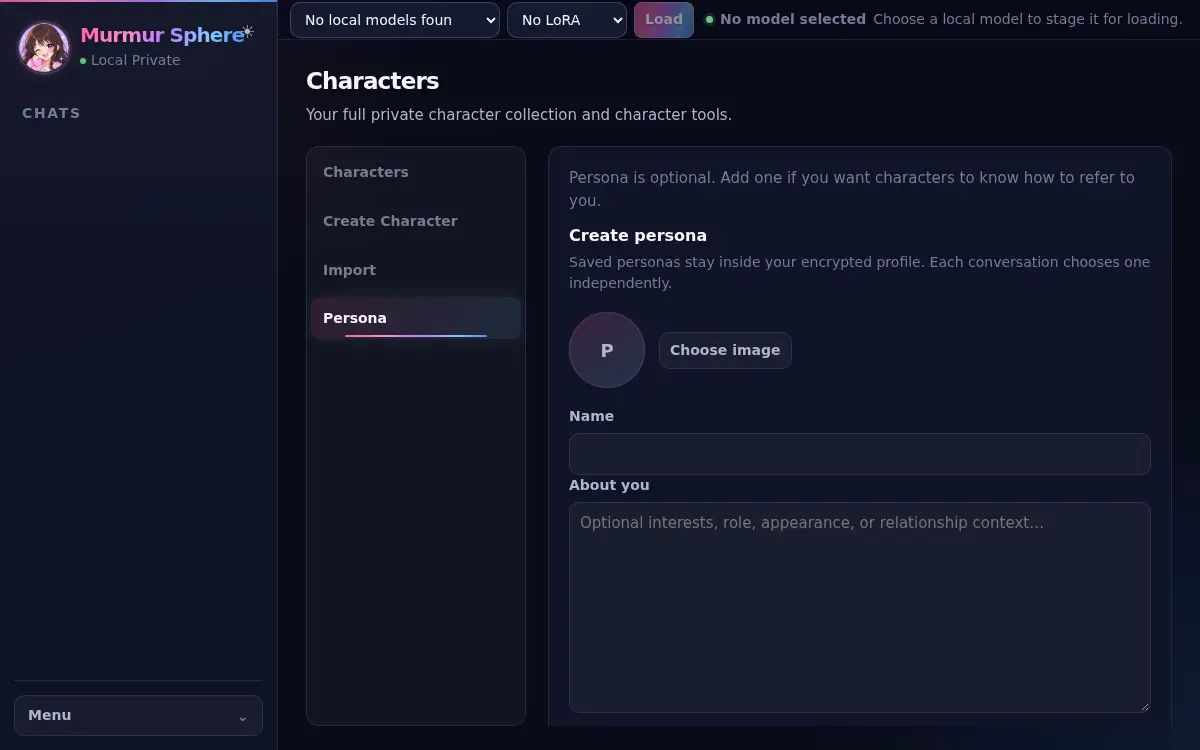
Personas are optional. Add only the details that help the conversation, never passwords, recovery keys, or unrelated private information. You can choose different Personas for different conversations.
Characters, Persona text, and conversations stay in the local profile. Current saved profiles are plaintext with integrity checks, protected by your OS account and device access. Murmur Sphere does not publish cards or operate a character gallery.
Steps
Open Characters and create a character or import a supported card.
Review imported fields before saving; public avatar fetches are a separate optional action.
Open Persona, create an optional profile, and choose it only for the conversations that should use it.
Return to the character and start or continue a conversation.
More help