
Bring characters to life
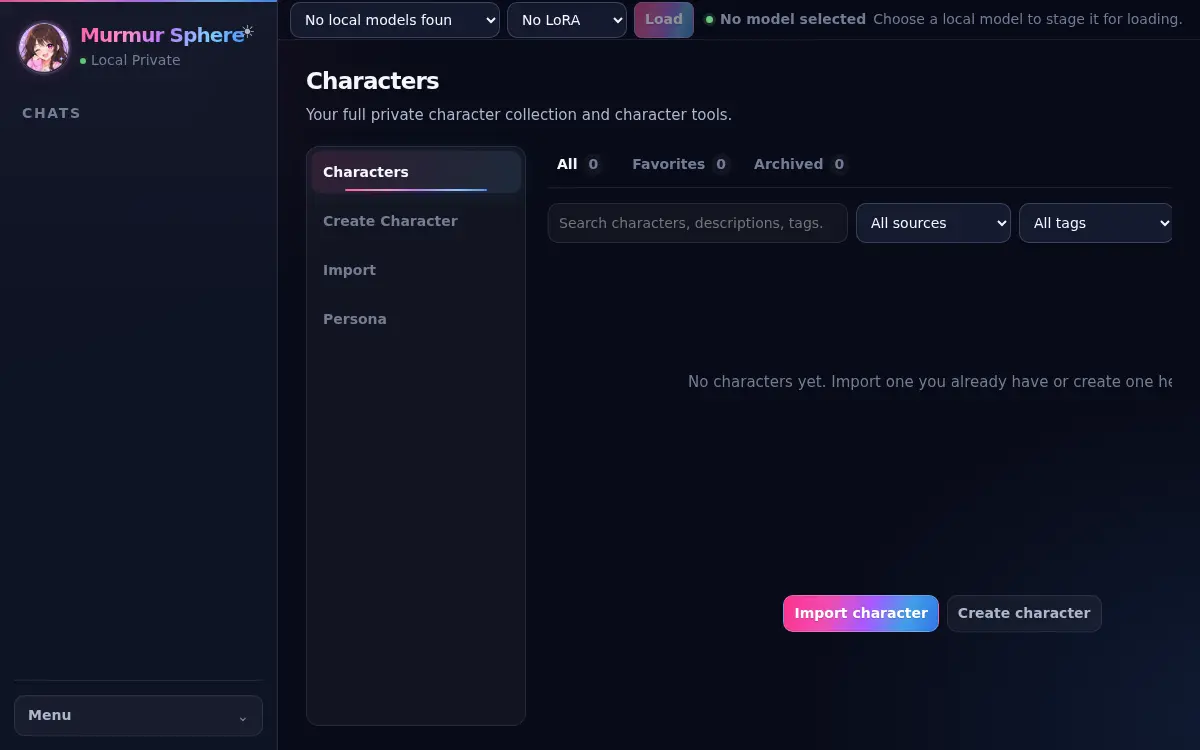
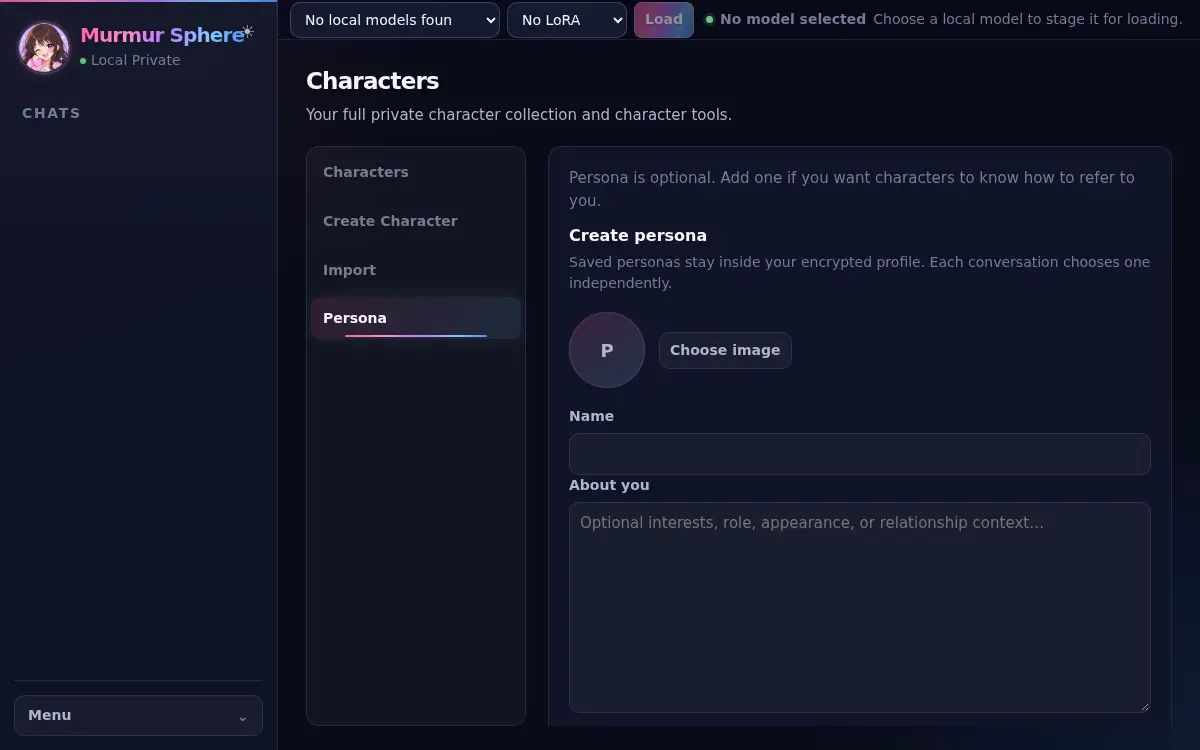
Create or import characters, choose who you want to be, and let conversations grow into stories.
Your private character-chat space
Murmur Sphere is a free Windows app for private AI conversations. It uses AI models that run on your computer, so your chats stay there.
Free alphaWindows 10/11No account
Why Murmur Sphere
Create or import characters, choose who you want to be, and let conversations grow into stories.
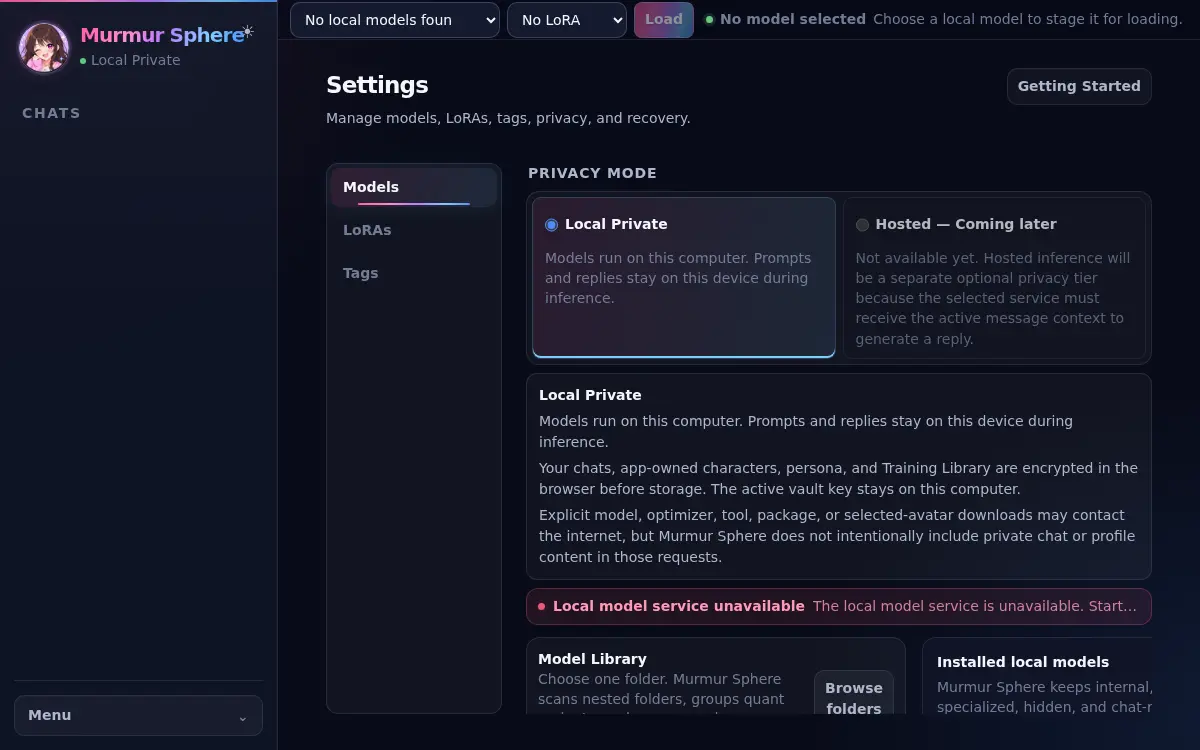
Use Ollama and a compatible local AI model. Murmur Sphere never silently switches to an online AI.
Your conversations, characters, and Personas stay on your computer.
Getting started
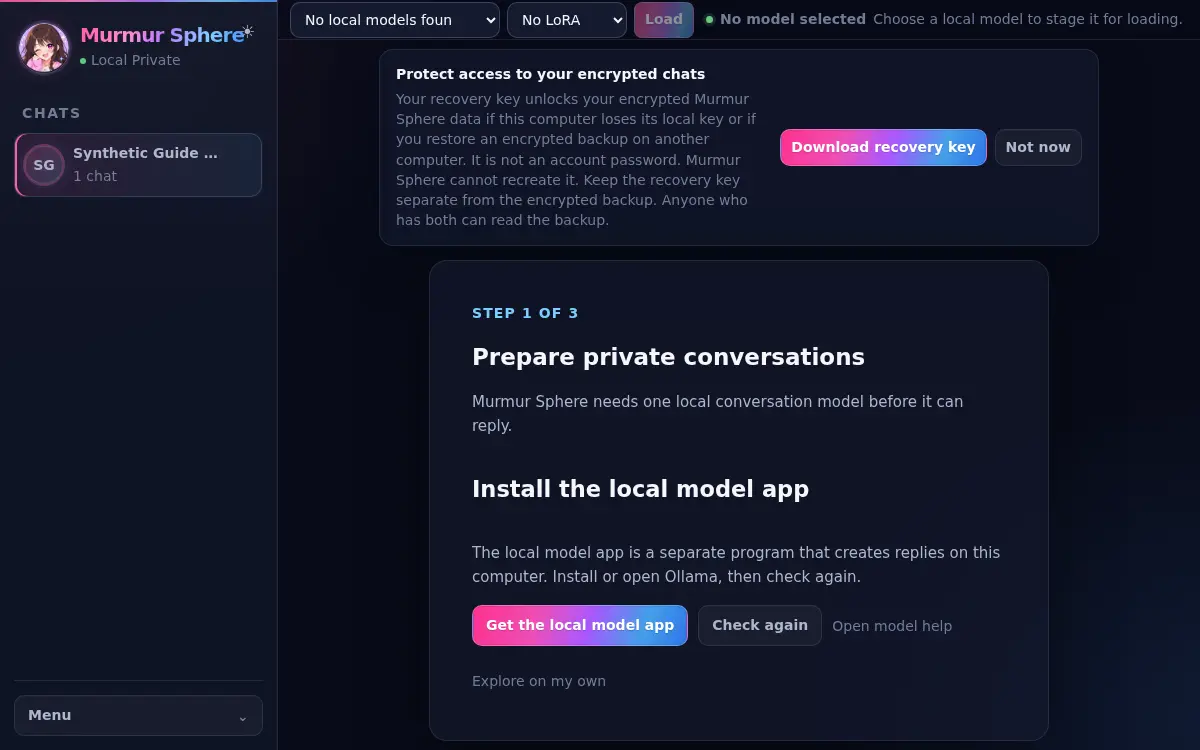
Download Murmur Sphere from this site and open the installer. Windows may show an unsigned-app warning for this early release.
Ollama is the separate program that runs your AI model.
Pick a compatible model and wait until the model status at the top says Ready.
Create or import a character, then start chatting.
Before you install
See which parts you need, what stays local, and what still uses the internet.
Read the private character chat guideInside the desktop app
Characters, Personas, model readiness, and recovery stay visible without turning the workspace into a developer console.
Private by design
Murmur Sphere keeps the private parts of the experience on your computer. Going online is limited to clear actions such as visiting this website, downloading the app or a model, checking for updates, sending email, or choosing creator support.
How privacy worksThree simple promises