
Guide
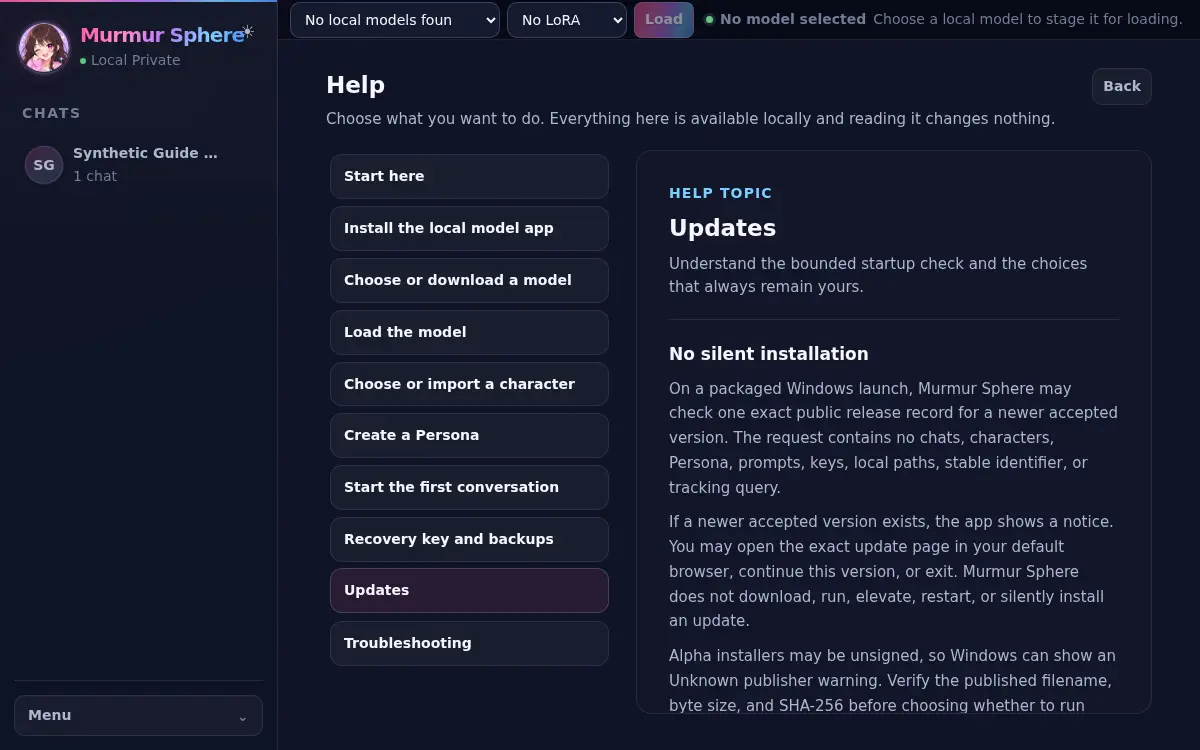
Updates
Understand the small startup check and keep every download and install decision explicit.
Steps
Follow in order.
- 1
Read the offered version and what changed.
- 2
Open the Murmur Sphere Download page only if you want the update.
- 3
Use Check your download if you want to compare the file with the official technical details.
- 4
Run the installer yourself and keep a current independent copy of local data.
More help