
A character
Create one in the app or import a supported character card, then review what it contains before saving.
Local AI character chat
Murmur Sphere brings characters, Personas, conversations, and a local AI model into one friendly desktop app. Your private chat content stays on your computer.
The simple version
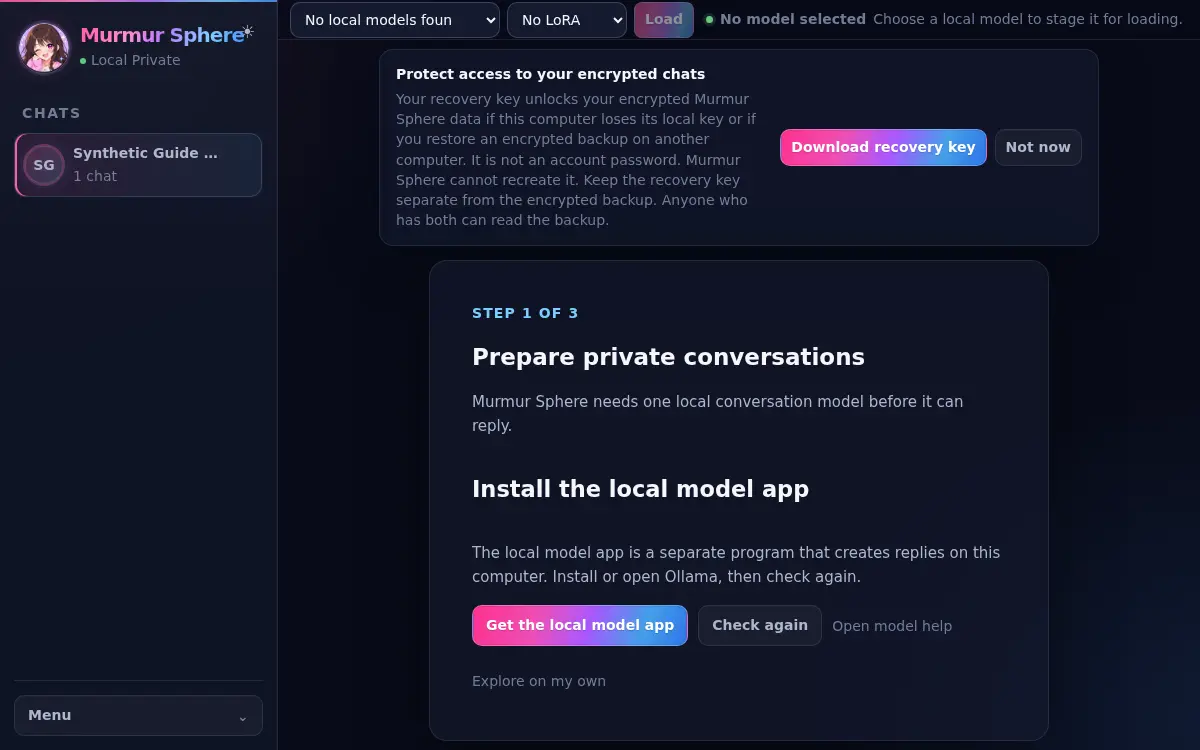
Instead of sending each message to a hosted chat service, Murmur Sphere asks an AI model running through Ollama on your computer. The app stores your characters, Personas, conversations, and recovery information locally.
Visiting this website, downloading Murmur Sphere or a model, checking for updates, sending email, and choosing creator support are separate online actions. The desktop app does not silently switch to an online AI.
How it works
Create one in the app or import a supported character card, then review what it contains before saving.
Choose the context you want the character to know about you. Leave it empty when you do not need it.
Ollama runs the compatible AI model separately. Wait until the model status at the top says Ready.
Before your first message