
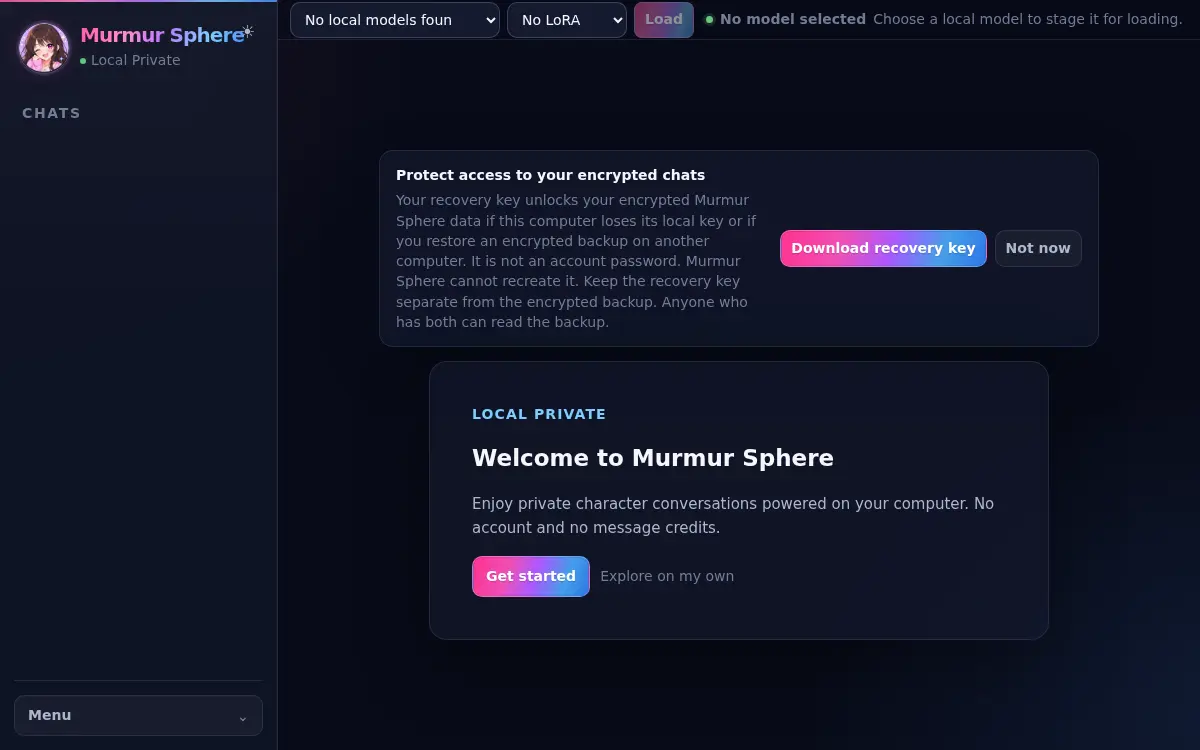
01
Start your first chat
Set up Murmur Sphere, find where your local data lives, and begin your first private conversation.
Guides
These durable guides mirror the desktop Help journey without loading remote content inside the app.
01
Set up Murmur Sphere, find where your local data lives, and begin your first private conversation.
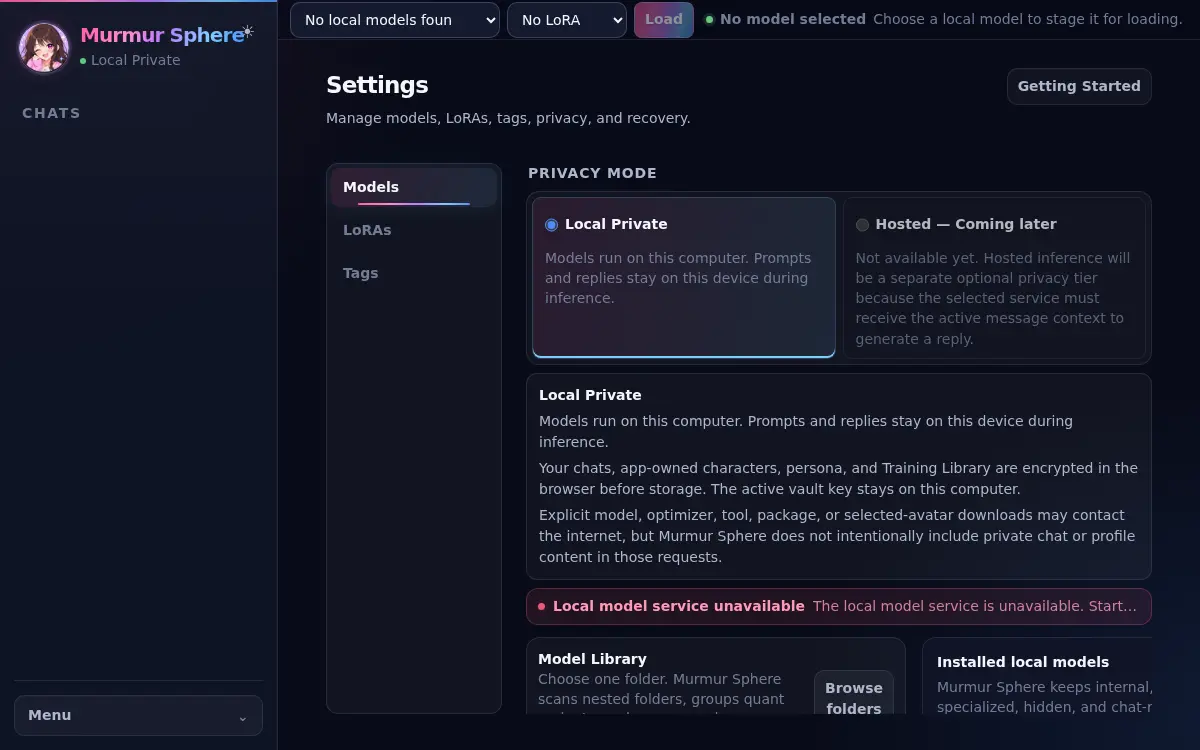
02
Install Ollama, choose a local AI model for Murmur Sphere, and confirm it is ready for private character chat.
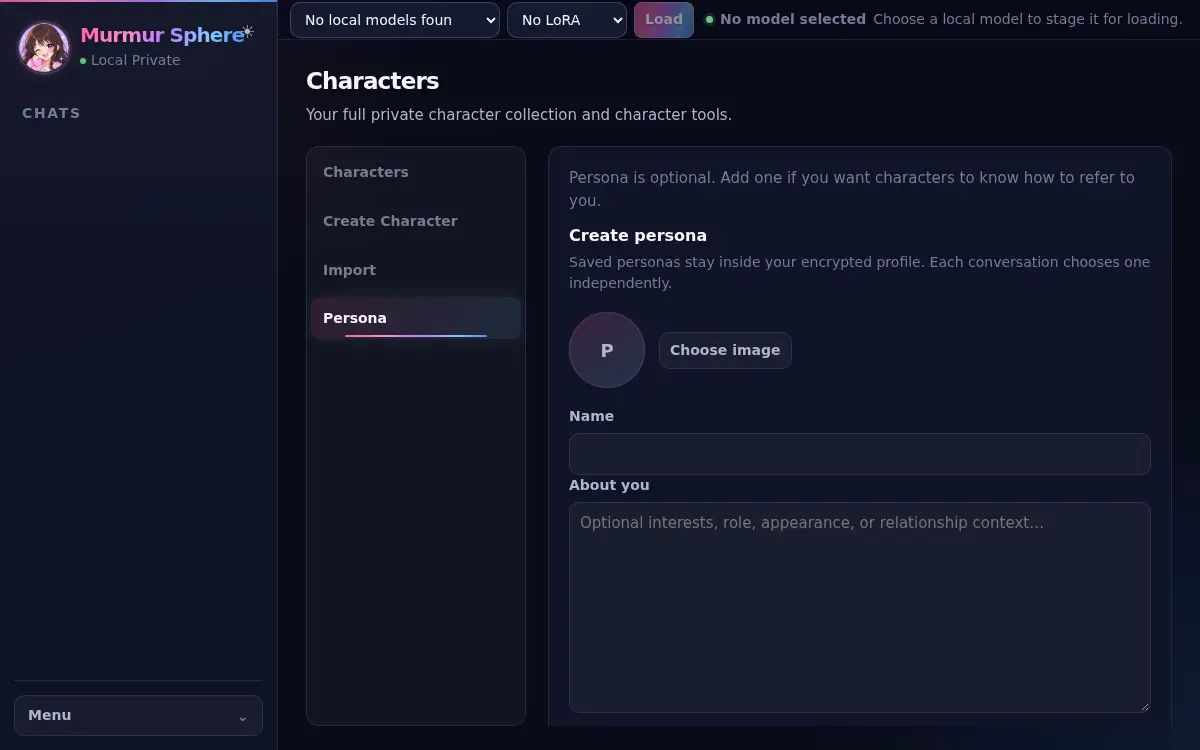
03
Create or import AI character cards in Murmur Sphere and add only the Persona context you want to use.
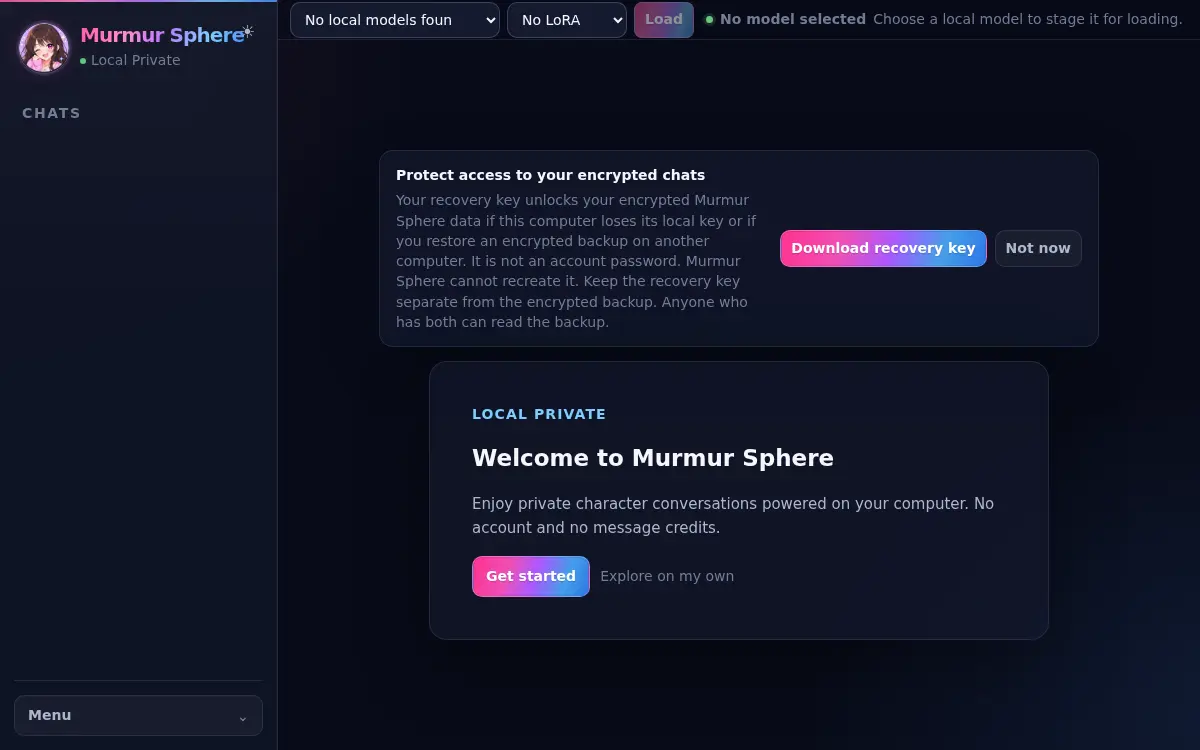
04
Find your save folder, make an independent copy, and understand the restore path for current profiles.
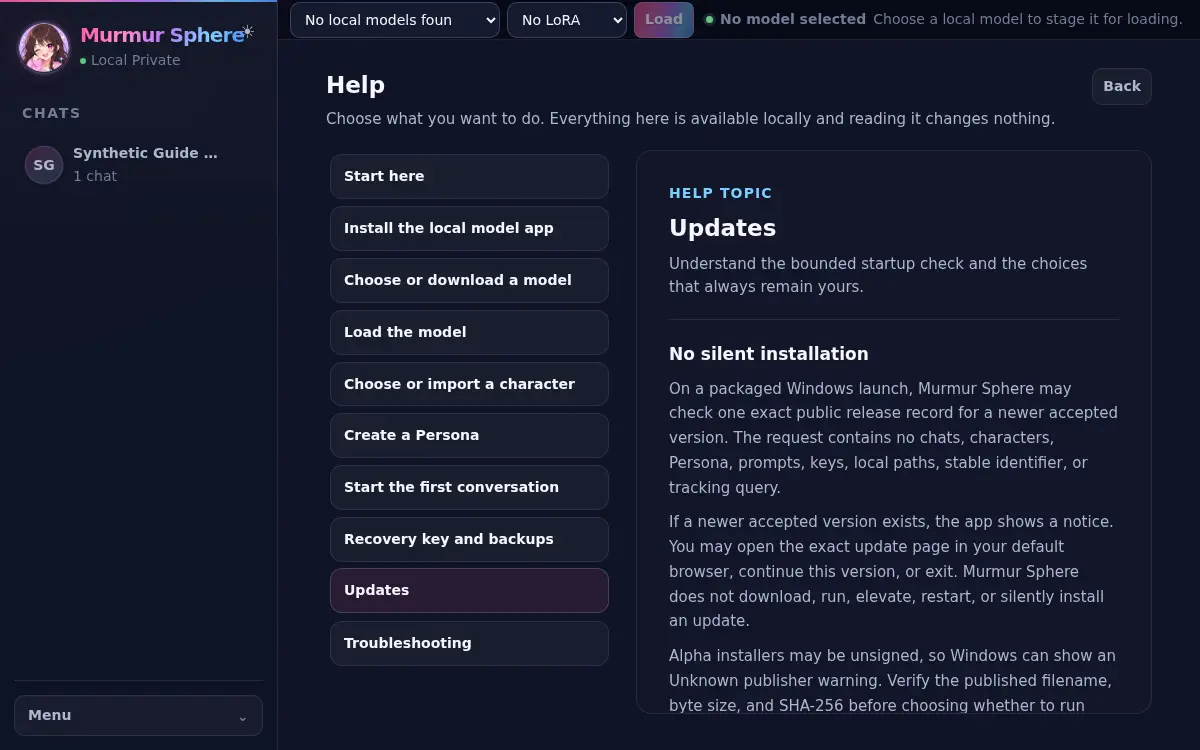
05
Understand the small startup check and keep every download and install decision explicit.
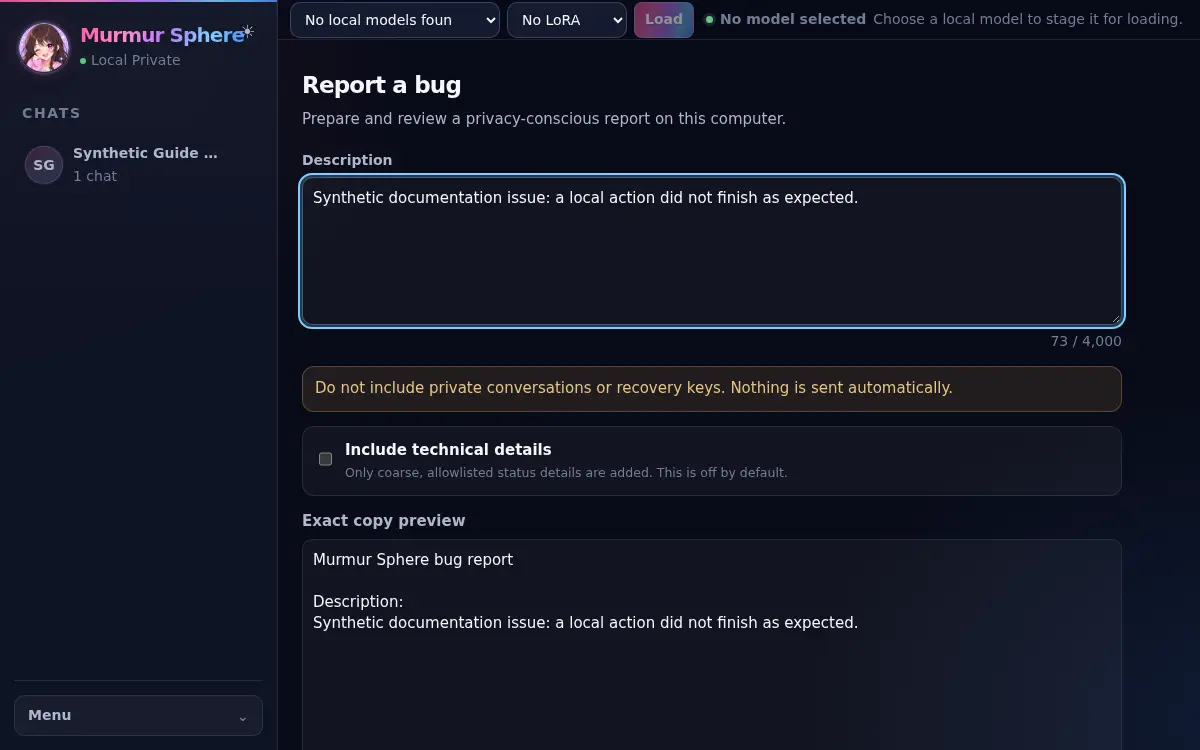
06
Recover from common model, service, import, and reply problems without exposing private content.